Everyday web apps,right in theside panel.
Manage your favorite web apps in a native browser side panel. Quick access, grouping, and seamless switching.
SideHub puts your favorite web apps in the browser's native side panel, so they're one click away while you browse. Organize them into groups, control which sites stay awake in the background, switch between dark and light mode, and set each site's volume, all without weighing down your browser.
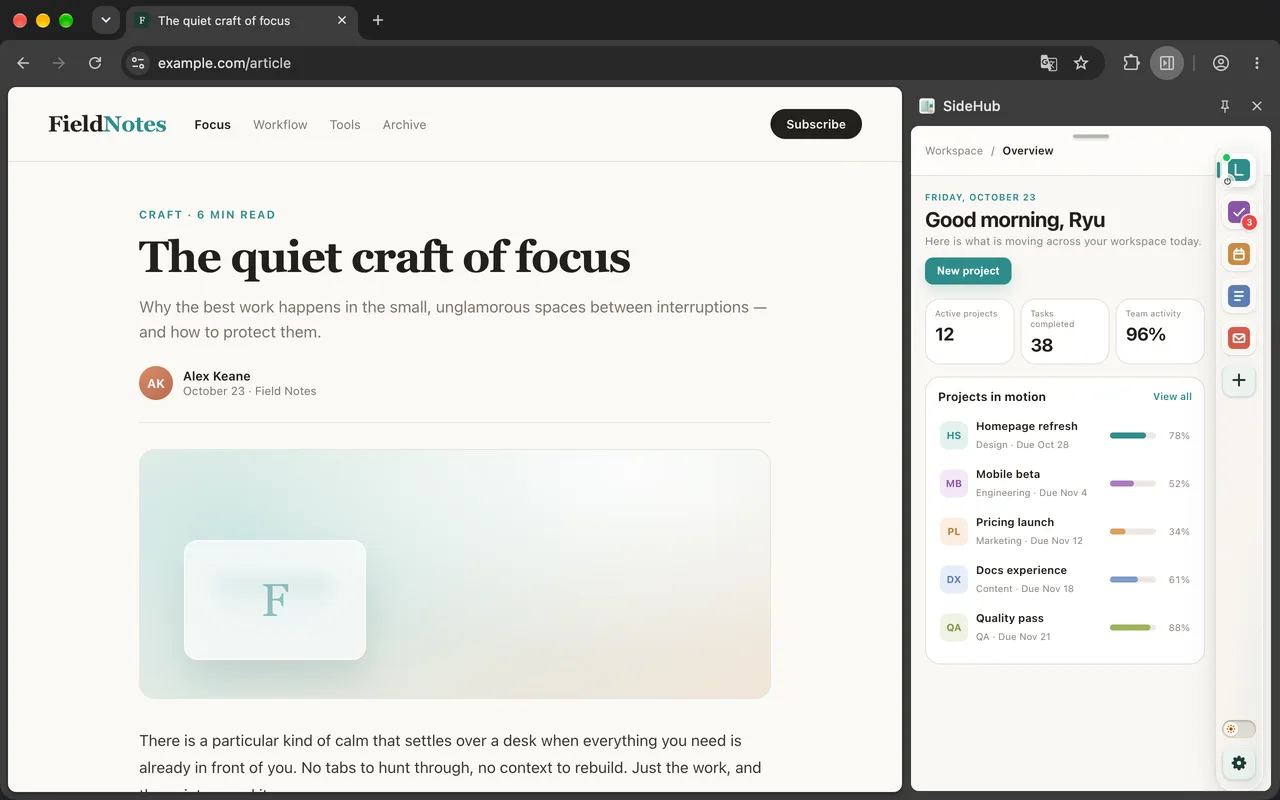
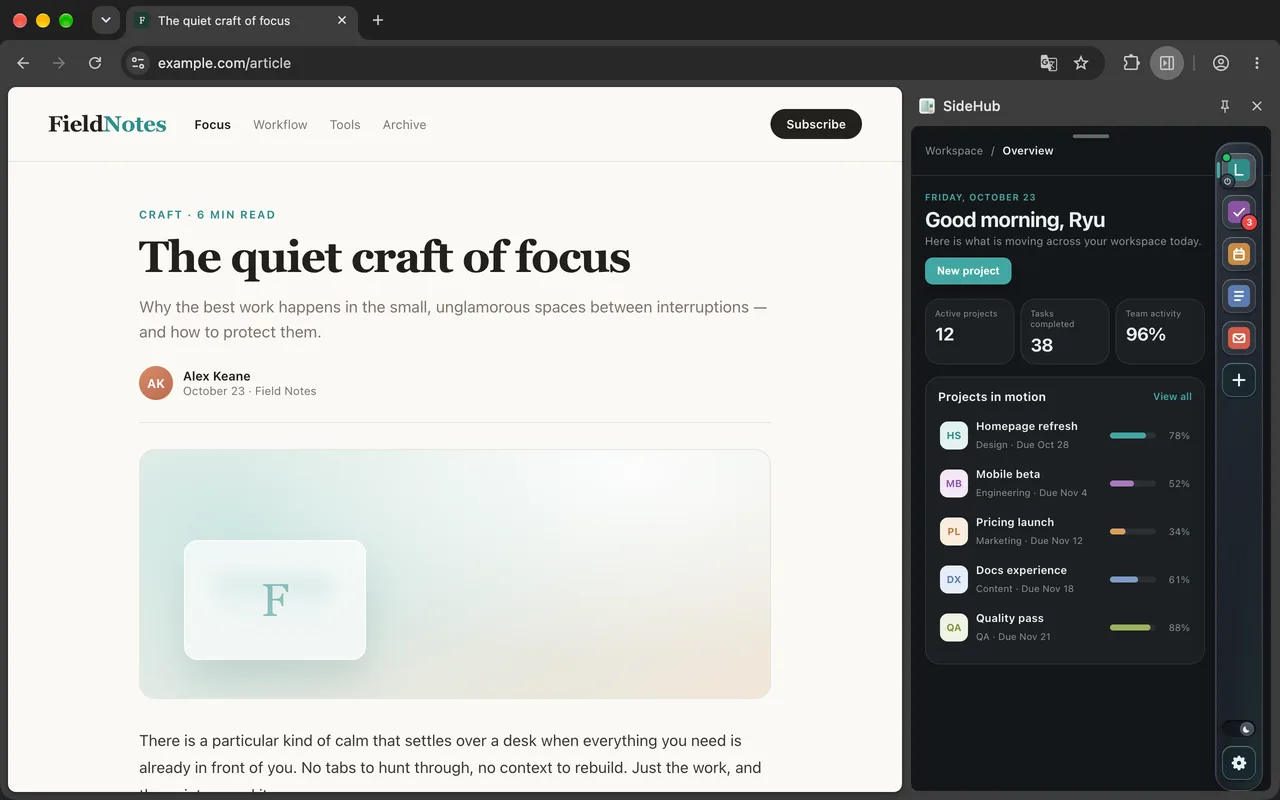
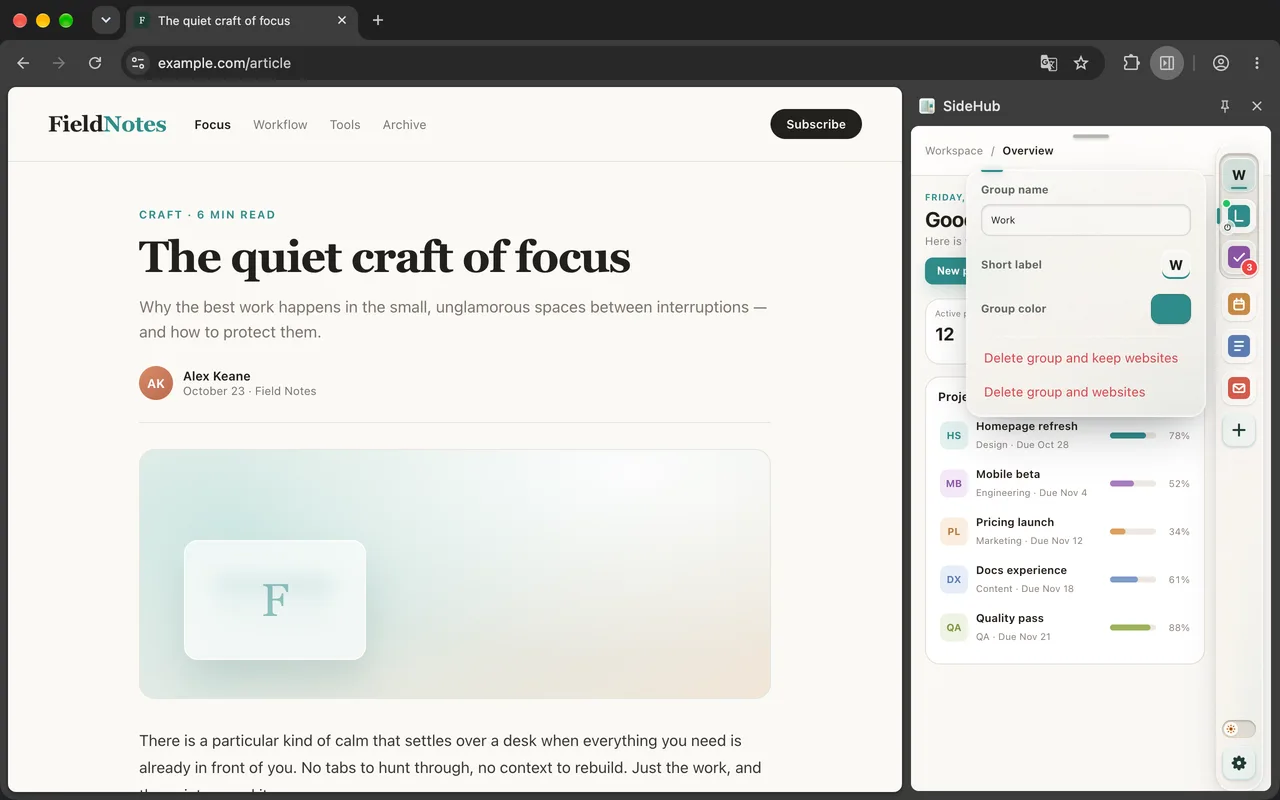
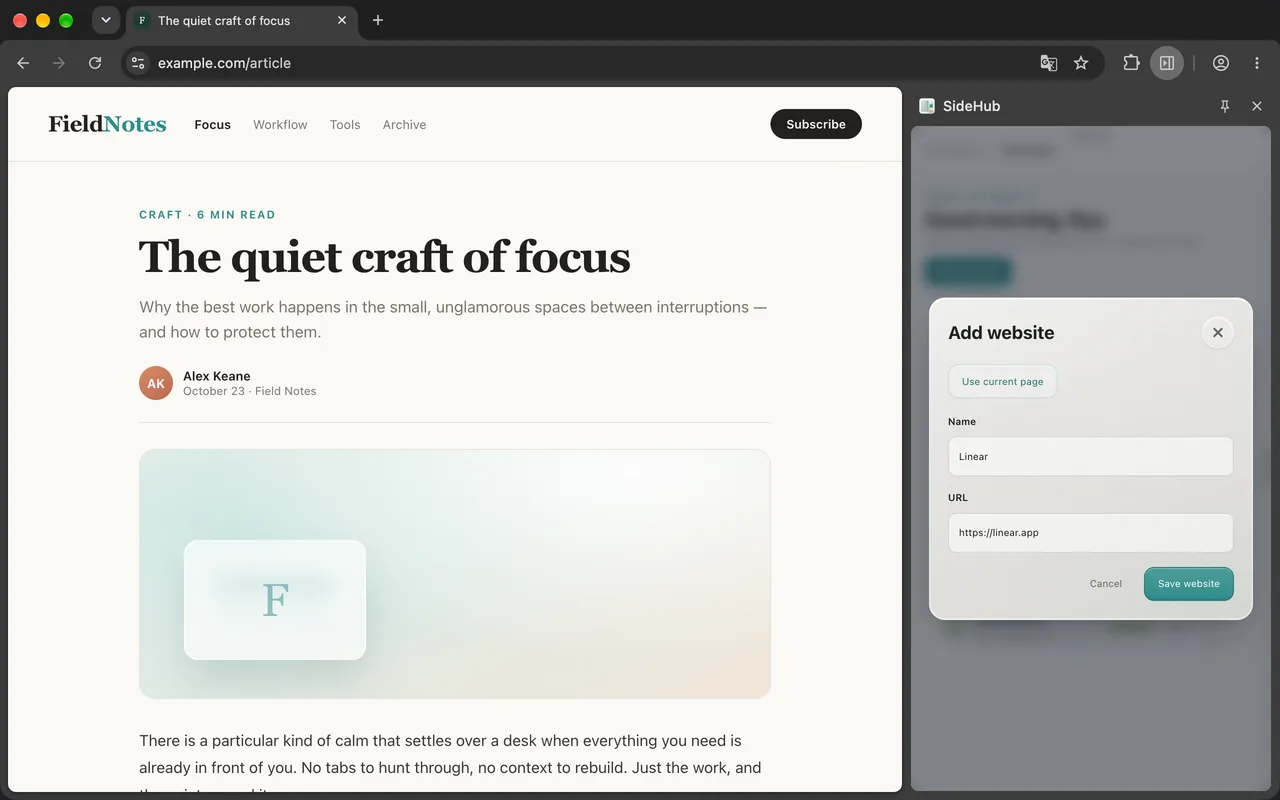
01 · Screens
Screens
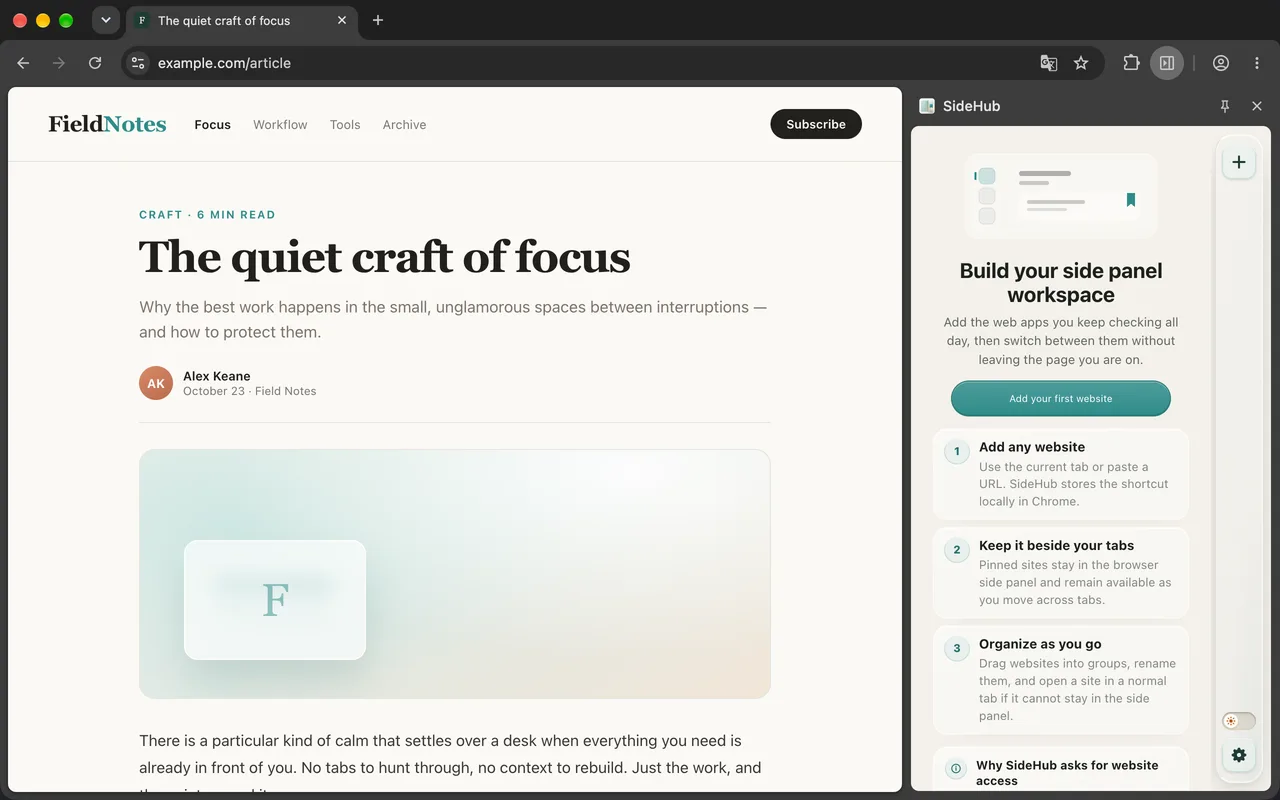
Real side-panel views. Switch thumbnails to browse, or click a frame to zoom.
02 · Features
What it does
Five capabilities built around one idea: keep the apps you use within reach without another tab.
Your web apps in the side panel
Pin the web apps you use every day to the browser's native side panel and switch between them in one click, without hunting through tabs.
Groups
Drag to reorder and organize sites into collapsible groups with their own names and colors.
Background keep-alive and sleep
Choose how many recent sites stay awake and when idle ones go to sleep, or keep any site always running.
Dark and light mode
Switch between dark and light themes in one click, with a smooth transition.
Per-site volume
Give each site its own volume and mute setting, and SideHub remembers it.
03 · Download
Download
SideHub ships through official browser stores. Install once, then open it from the side panel.
04 · Release notes
Release notes
Every release is logged here, newest first.
Release notes will appear here as new versions reach the stores.
Put your web apps in the side panel.
Install once. Every time you open the browser, your everyday sites are already there.
05 · Comments
Comments
Questions, feedback, or thoughts are welcome here.
Comments
Questions, feedback, or thoughts are welcome here.
Set Public Nickname
Your nickname will be displayed across comments. If not set, your masked email will be shown.