EasyCutout
Remove backgrounds in one click, plus AI upscaling.
- macOS
- Windows
Drop in an image and remove the background in one click — hair, products, pets and anime art cut out cleanly to a transparent background, with AI upscaling built in.
Screenshots
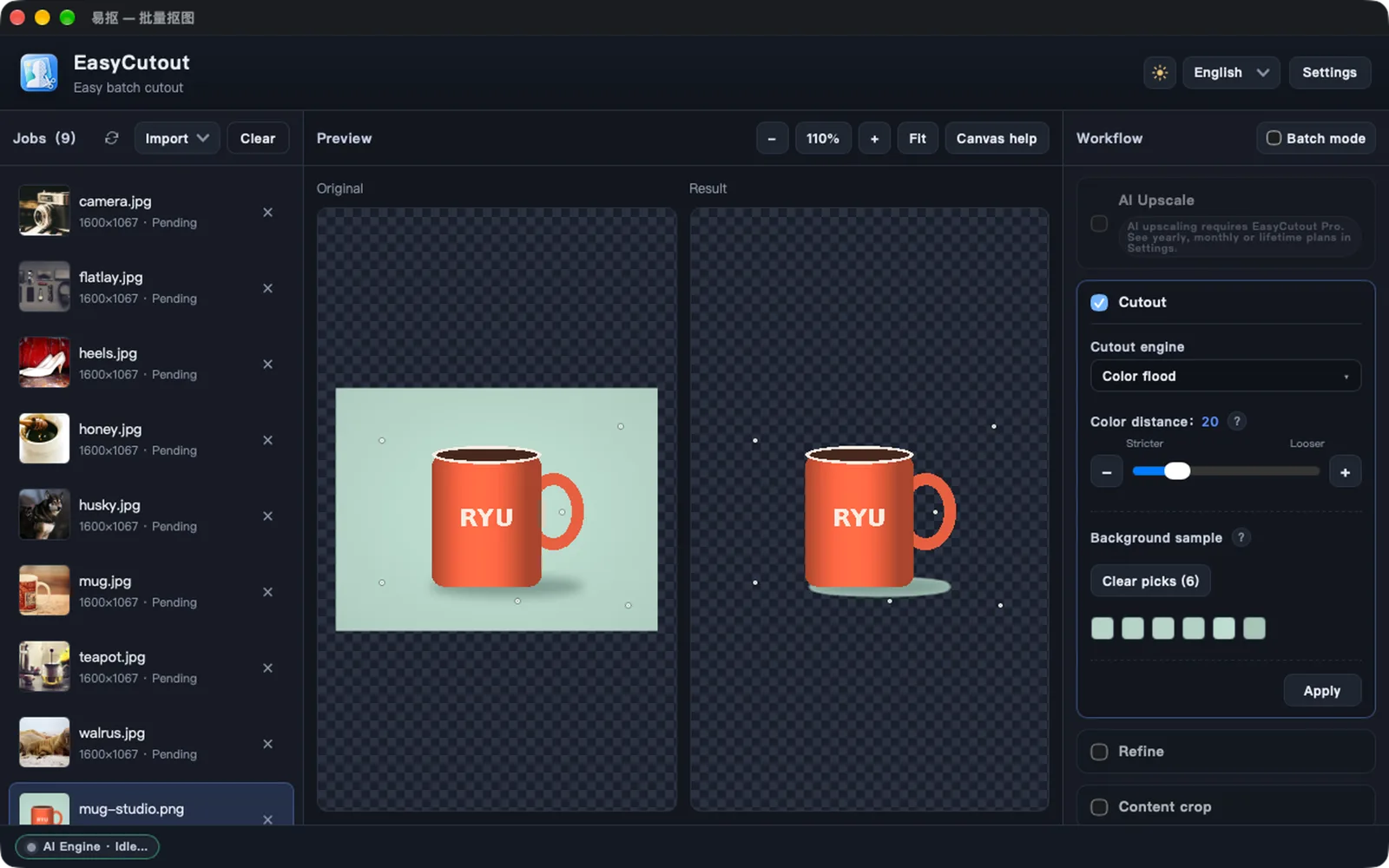
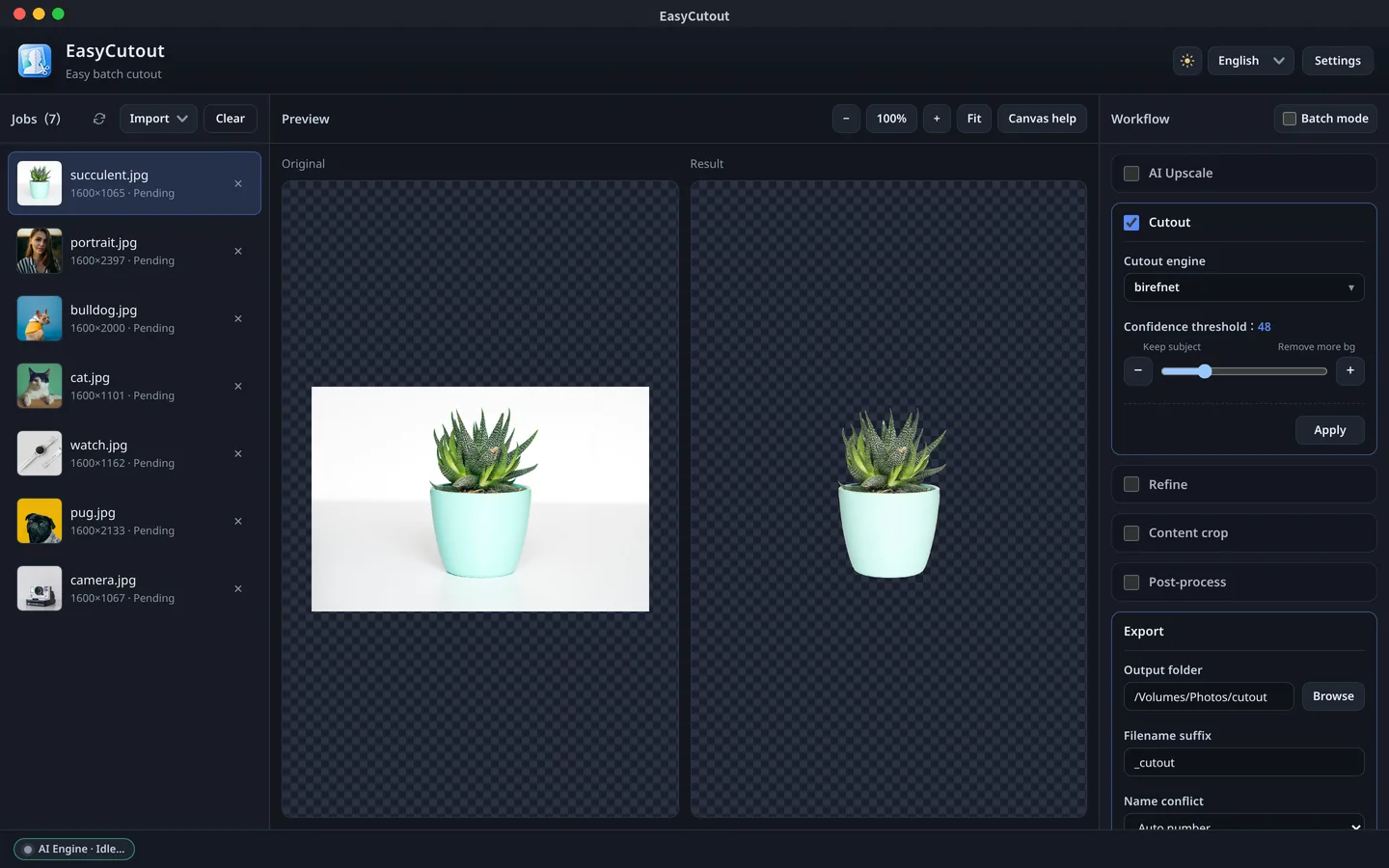
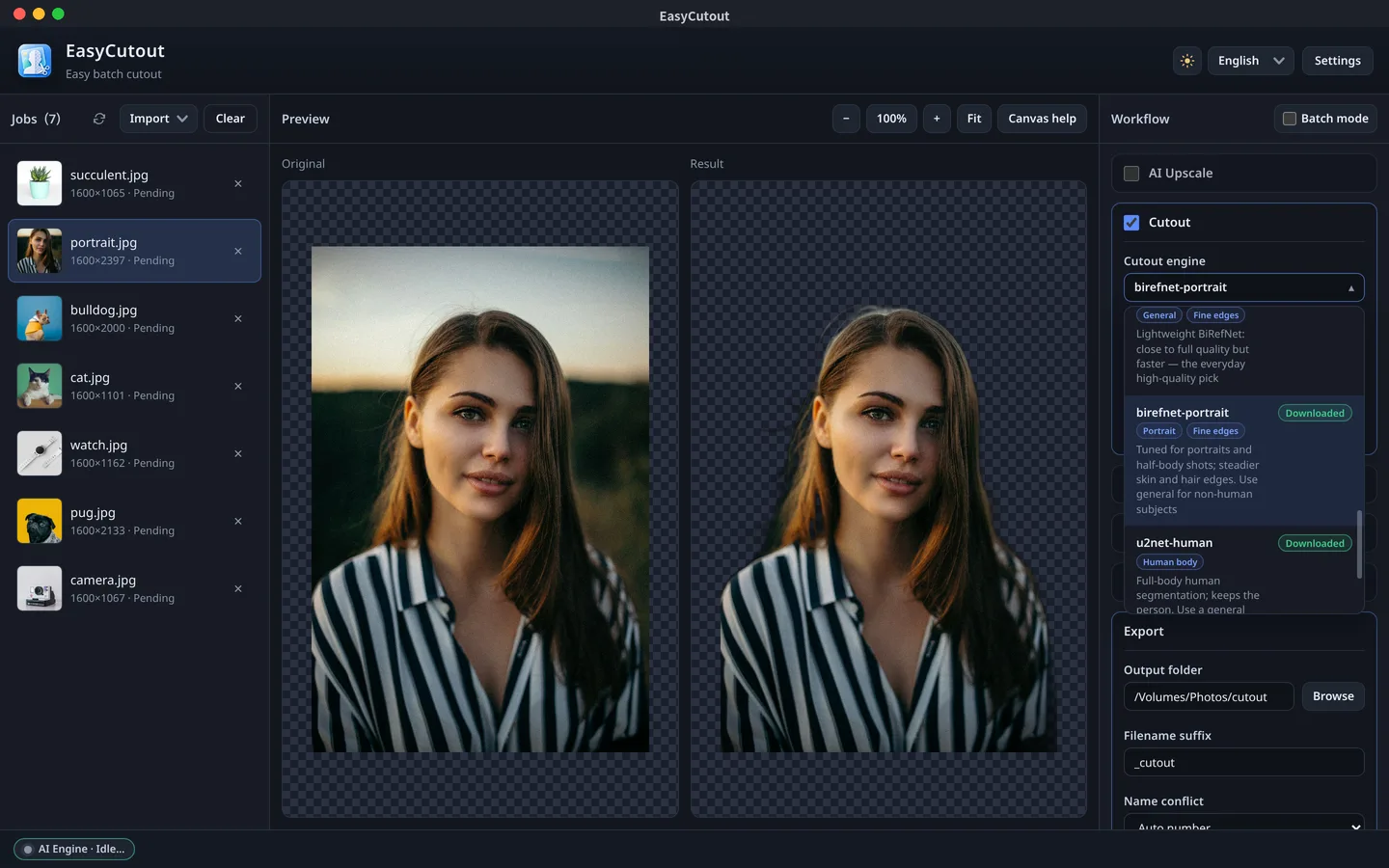
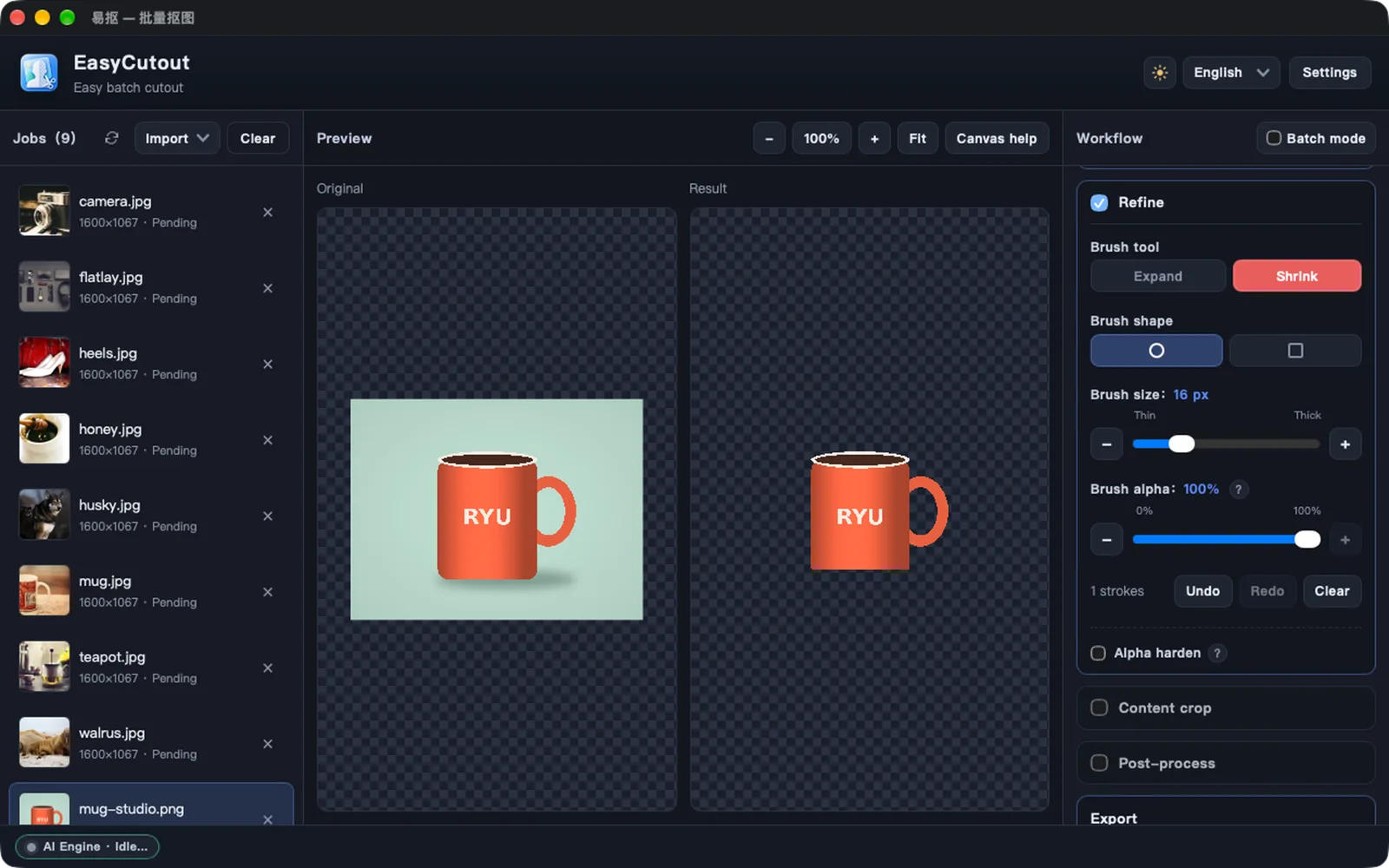
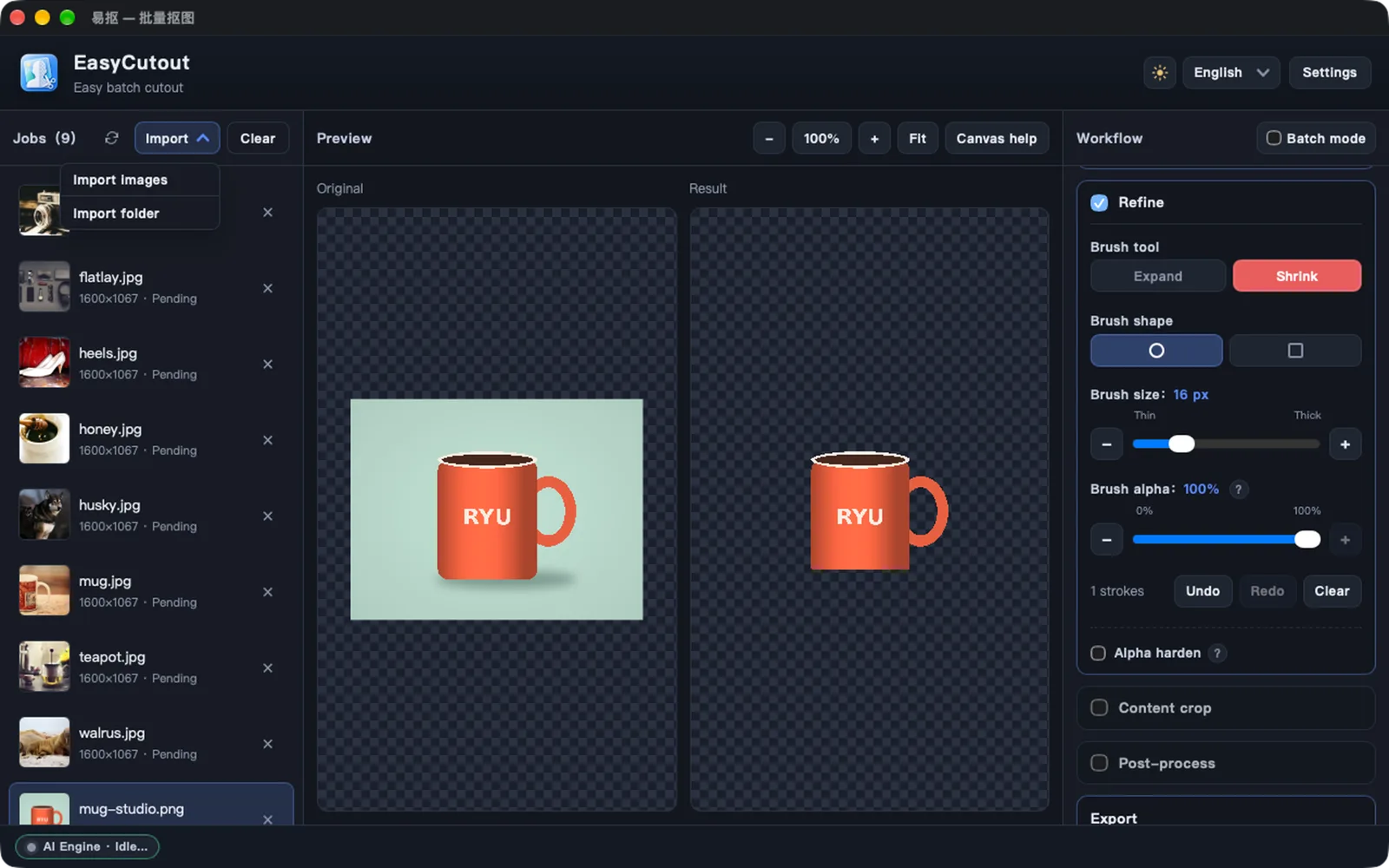
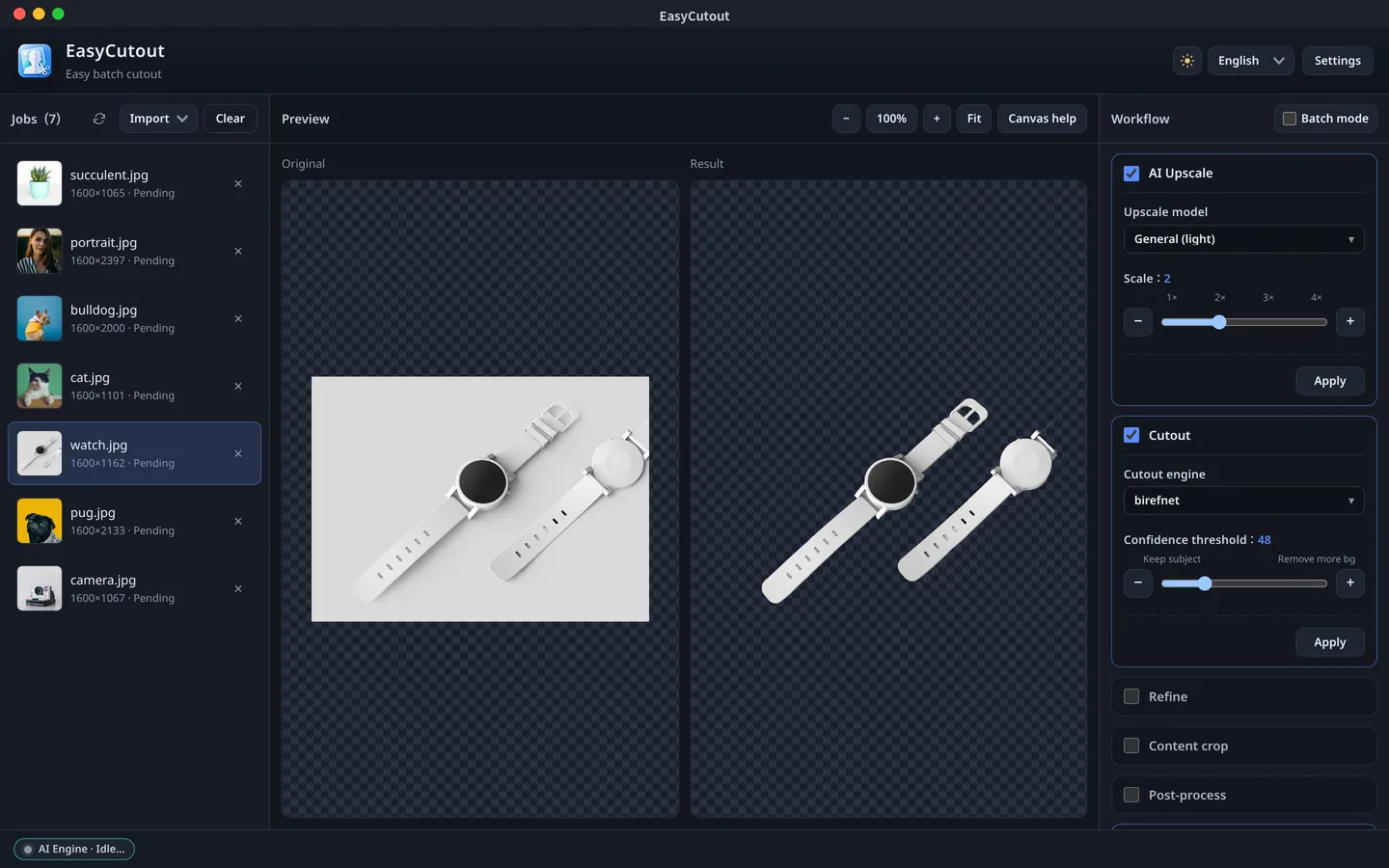
Color flood with sample points clears even the gap inside the handle
Features
- 01
Multi-model AI cutout
Choose from BiRefNet (including lite and portrait), U²-Net, IS-Net anime, MODNet portrait and more to match each image. Hair, products, pets and anime art come out with clean transparent backgrounds.
- 02
Color distance and connected color distance
Two built-in algorithms that need no download: color distance removes every pixel close to the background color, while connected color distance only removes regions connected to the outer edge, keeping same-colored areas inside the design. Great for solid-background product shots and prints.
- 03
Canvas sample points
Background colors are sampled from the four corners automatically. Shift+click on the original or result to add sample points, click a swatch to remove one, and fine-tune with the color tolerance slider.
- 04
Edge refinement
Brush to add or remove areas with round or square tips, adjustable size and strength, plus undo and redo. Confidence threshold and alpha hardening handle semi-transparent edges.
- 05
Batch processing
Import many images or a whole folder, use the current image as the batch baseline, keep per-image tweaks, and export everything in one go with progress.
- 06
AI upscaling
Real-ESRGAN general (light), general (high quality) and anime models upscale up to 4x so small images stay sharp.
- 07
Crop and output size
Auto-crop to the content bounding box with padding, set output width, height and PPI, and compare original and result side by side.
- 08
Runs locally
Everything is processed on your computer, and models work offline once downloaded.
Download EasyCutout
Coming soon
macOS
💡Notice: EasyCutout is coming soon. Downloads will open at launch.
Release Notes & ChangeLog
No releases yet
Comments
Questions, feedback, or thoughts are welcome here.
Set Public Nickname
Your nickname will be displayed across comments. If not set, your masked email will be shown.